SEO Services in Dubai, Done by One Person Who Actually Does the Work
Most SEO companies in Dubai will sell you a package, hand it to a junior, and send you a report you can't read. I do it differently. I find out what your customers type into Google, make your website the best answer, and tell you honestly how long it'll take. That's it. That's the service.
P.S. I'll explain every report in plain English– K
you're not here
there you are
WHAT SEO ACTUALLY INVOLVES
SEO sounds technical. It mostly isn't. It comes down to three questions.
What are people searching for?
Not what you'd call your service. What they call it. A clinic says "aesthetic dermatology". A customer types "skin doctor in Marina". I find the real words.
Does your website answer them?
Google ranks pages that clearly answer a specific search. Most Dubai websites have one vague homepage trying to answer everything. I give each search its own page, written properly.
Does Google trust you?
Reviews, a proper Google Business Profile, a site that loads fast and works on a phone, and other websites mentioning you. I sort the foundations and build the rest over time.
that's genuinely most of it. the rest is patience.
ONE PERSON, NOT AN SEO AGENCY
If you've searched for an SEO agency or SEO company in Dubai, you'll have seen the pattern: a polished sales call, a long contract, and then a monthly report from someone you've never spoken to.
Here's what you get instead. The person who sells you the work is the person who does it. You WhatsApp me, I reply. When something changes in your rankings, I tell you what happened and what I'm doing about it, in words that make sense.
I'm not cheaper because I'm worse. I'm cheaper because there's no office, no account manager, and no sales team between you and the work.
usually the same day, in case you were wondering
WHAT I DO EACH MONTH
At the start
- A full look at your website and how it ranks today
- Research into what your Dubai customers actually search for
- A plan you can read in ten minutes, with the order I'll do things in
- Google Business Profile set up or fixed properly
Every month
- Writing and improving the pages that need to rank
- Technical fixes: speed, mobile, structure, the things Google checks
- Building your presence on Google Maps and local directories
- A short monthly update, usually a video, showing what moved and why
You don't need to understand any of this. You just need to know it's being done, and by whom.
HOW LONG SEO TAKES IN DUBAI
Anyone who promises you page one next month is either guessing or planning to run ads and call it SEO.
Here's what's actually true. If you're a local business, Google Maps results usually start moving within one to two months, because the Business Profile work shows quickly. Organic rankings, the regular results under the map, take three to six months to build and then keep compounding. Competitive searches in Dubai, like anything with "best" or "near me" in a busy area, can take longer.
That's why the SEO add-ons have a three-month minimum. Anything shorter and I'd be charging you for work that hasn't had time to show up.
Audit, plan, Business Profile, first pages rewritten.
Maps results start to move, more pages live.
Organic rankings climb, leads start to change.
Compounding, and we go after the bigger searches.
the slow start is the honest start
WHAT THIS LOOKS LIKE WHEN IT WORKS
These are live Google rankings for sites I've built and worked on, checked in October 2026. They're not Dubai businesses yet. The method is exactly the same.

#1 for "eating disorder therapist Philadelphia" and 12 more first-place rankings, for a small practice competing against a whole city.

Page 1 for 11 local lice-removal searches, including "lice removal NYC", in one of the most competitive cities in the world.
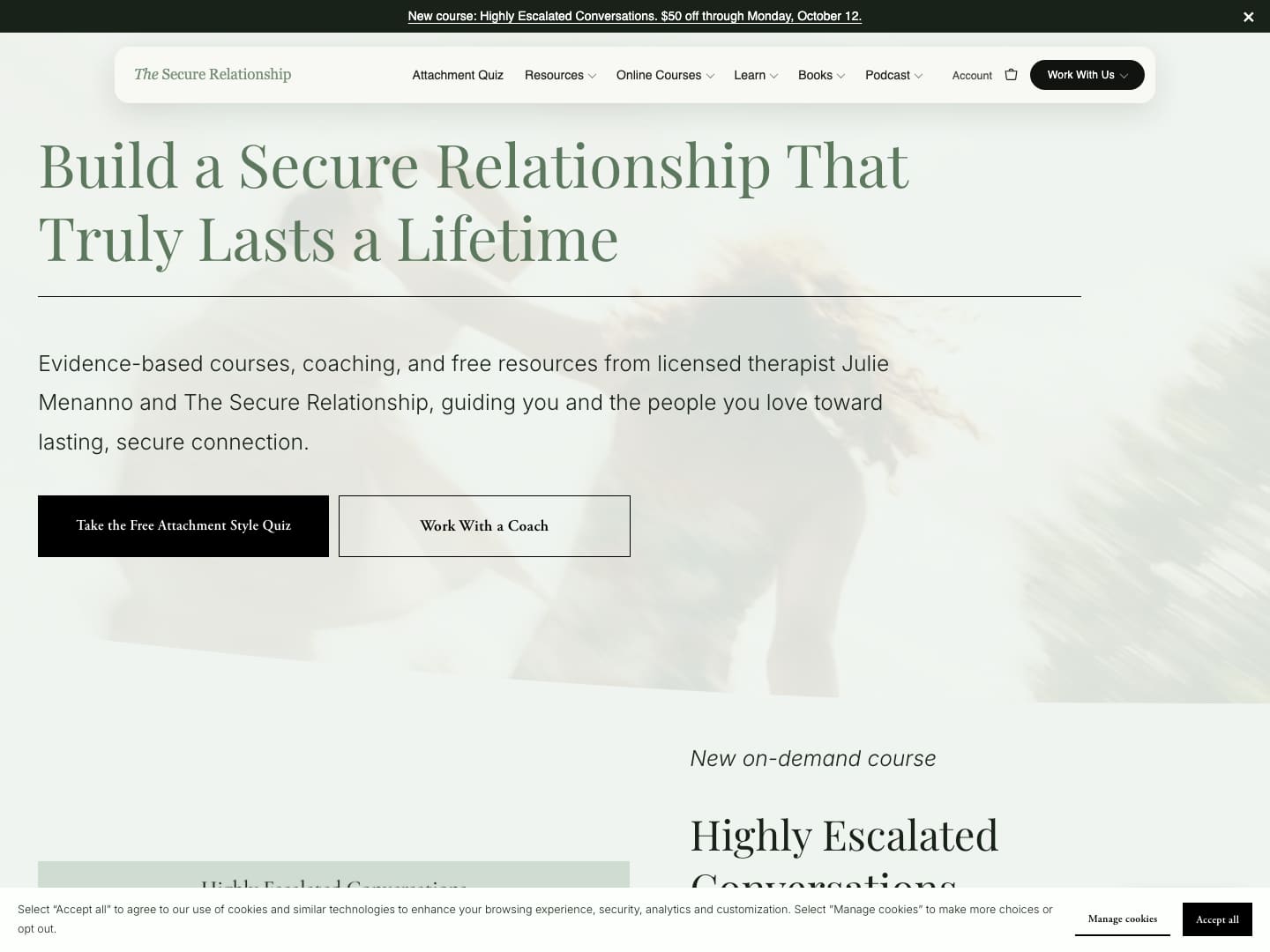
#1 for "how to support your partner emotionally", a search made 1,000 times a month, through content written to answer the question properly.
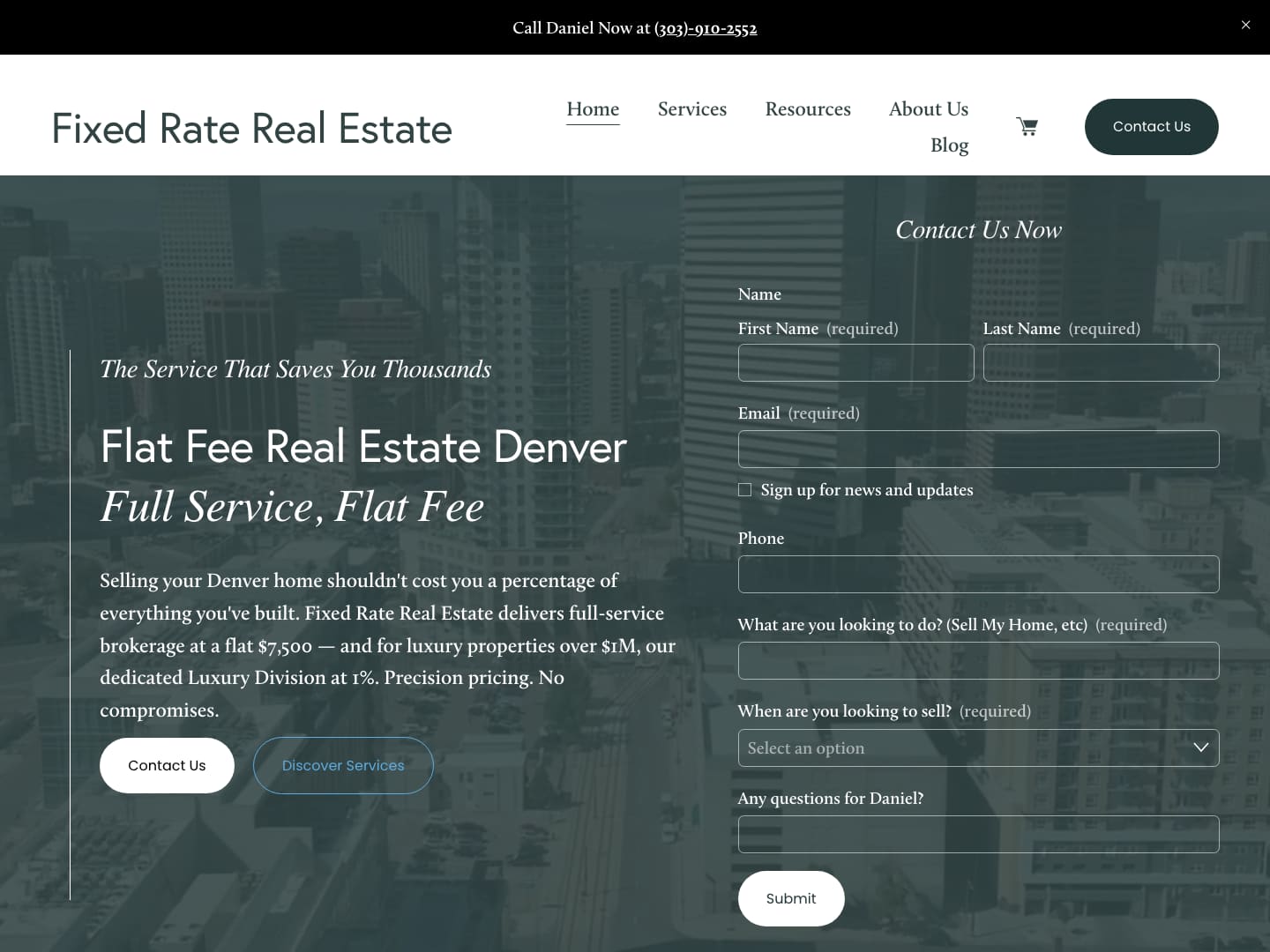
#1 for "fixed rate real estate" and #3 for "flat fee realtor Denver".
Rankings move. These are checked and dated, and I'll update them when they change.
See all the work →WHAT IT COSTS
Google Maps & Local SEO
AED 1,500/month
For local businesses who need to show up when people nearby search. Business Profile, reviews, local pages, citations.
3-month minimum
Full SEO
AED 2,500/month
Everything in local SEO plus content, technical work and the bigger organic searches. For businesses who want to be found across Dubai, not just nearby.
3-month minimum
Already thinking about a new website? Bundle SEO with a Looked After site: Found Locally at AED 2,199/month or Found Everywhere at AED 3,099/month, and the website comes with no build fee.
No setup fees. You can see every price on the pricing page.
See all pricing →WHO THIS IS FOR, AND WHO IT ISN'T
This is for you if
- You run a Dubai business where customers find you by searching
- You'd rather work with one person than an account team
- You can give SEO three to six months before judging it
- You want to understand what's being done, not just pay for it
This isn't for you if
- You need leads next week (ads can do that; I'll tell you honestly)
- You want to rank for "best restaurant in Dubai" by Christmas
- You're looking for the cheapest monthly price in a Google search
- You'd prefer not to hear bad news when something's not working
no hard feelings, truly
How much do SEO services cost in Dubai?
Agencies here typically charge anywhere from AED 2,000 to AED 10,000 a month, often with a long contract. Mine are AED 1,500 a month for local SEO and AED 2,500 for full SEO, with a three-month minimum and no setup fee.
Do you guarantee page one?
No, and you should be wary of anyone who does. Nobody controls Google. What I can promise is that the work gets done properly, you'll see it happening, and I'll tell you honestly what's working.
Do I need a new website for SEO to work?
Not always. If your current site is sound, I'll work with it. If it's holding you back, I'll tell you, and we can talk about a Looked After site where the build is included.
Will you work on my existing WordPress, Shopify or Squarespace site?
Yes. SEO is about the words, the structure and Google's trust, not the platform.
What's the difference between local SEO and full SEO?
Local SEO is about showing up on Google Maps and for "near me" searches, which is what most clinics, salons, cafés and service businesses need. Full SEO adds the regular organic results across Dubai and the content that earns them.
How will I know it's working?
Each month you get a short update, usually a video, showing where you rank, what changed, and what I'm doing next. You'll also see it in the obvious place: more enquiries.
Can you do SEO in Arabic?
Case by case. If your customers search in Arabic, we'll talk about whether an Arabic version makes sense, and I'll be honest about what I do well and where I'd bring in help.
LET'S FIND OUTWHERE YOU STAND.
Send me your website on WhatsApp. I'll take a proper look and tell you honestly what's holding it back, with no charge and no pitch. If I can help, I'll say how. If I can't, I'll say that too.
P.S. yes, I'll really look at it myself
Got it. I'll be in touch soon. – Kashaf